Remove YouTube Comments: Stay Focused & Spoiler-Free
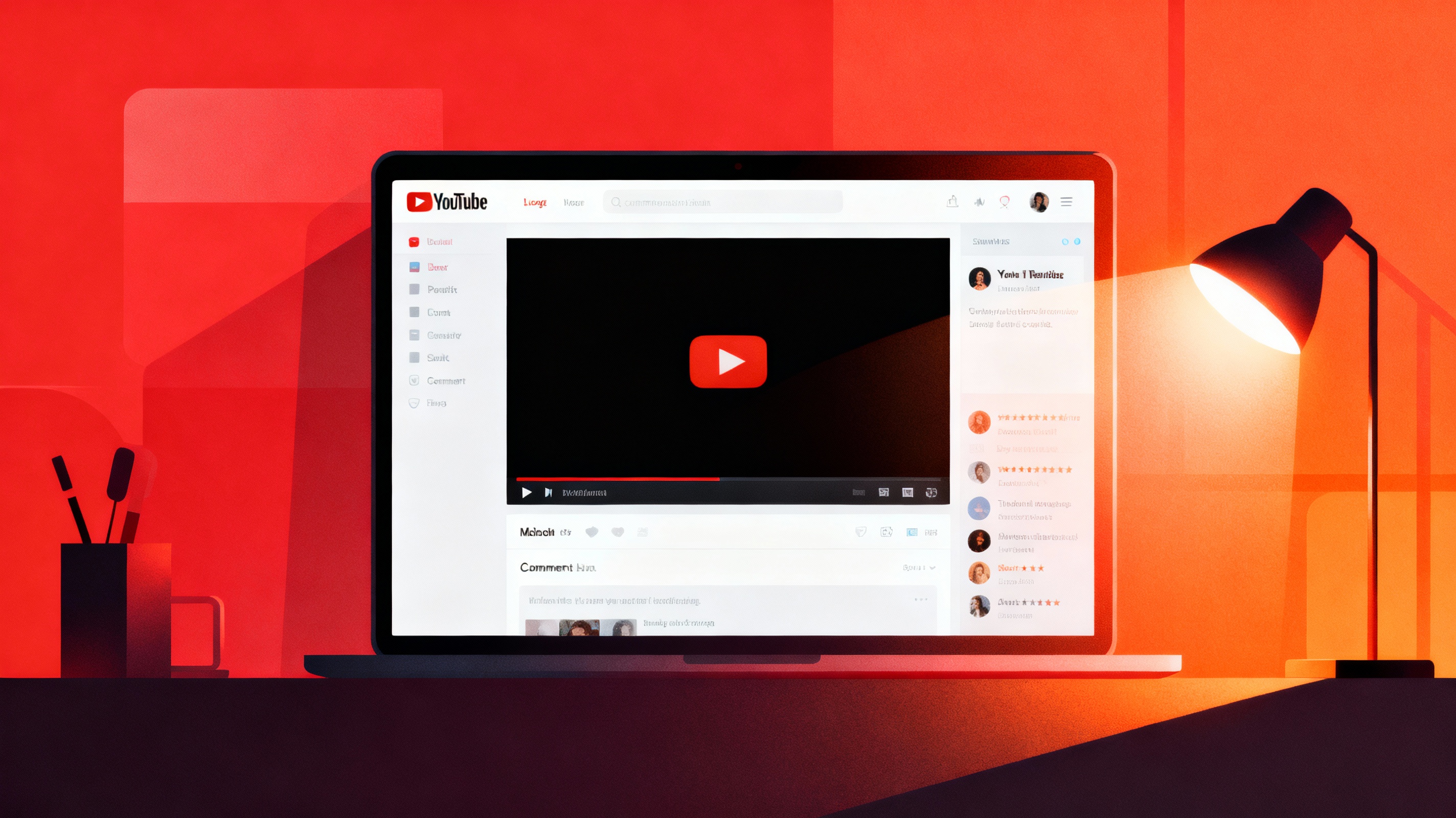
Disable YouTube comments to reduce distractions and avoid spoilers or negativity. Improve your viewing experience with a clean interface.
Learn how to maximize your YouTube experience with our comprehensive guides, tips, and feature tutorials.

Disable YouTube comments to reduce distractions and avoid spoilers or negativity. Improve your viewing experience with a clean interface.

Increase maximum YouTube volume for low-sound videos without distortion. Perfect for tutorials, interviews, and quiet recordings.

Optimize sound with adjustable bass, treble, and mid-range controls. Improve clarity for music, podcasts, and dialogue.

Enable floating mini-player mode for YouTube so you can browse other tabs or apps without interrupting your video.

Remove the home feed to eliminate distractions and prevent autoplay recommendations that waste time.

Stop YouTube from tracking your viewing behavior—prevent algorithm traps and reduce irrelevant recommendations.

Permanently hide Shorts from your feed to reduce time-wasting swipe loops and improve focus.

Prevent autoplay suggestions from pulling you into unrelated content and keep your watching intentional.

Repeat tutorials, music, or study videos infinitely without manually clicking replay.

Dim the rest of the page and keep only the video visible to eliminate visual clutter.

Analyze tutorials, sports, or educational content by slowing video playback with shortcuts.

Filter playlists by title, timestamp, or category to quickly locate what you need.

Block content based on custom keywords and remove irrelevant or unwanted topics.

Add tags, notes, and timestamps to saved videos and search them intelligently.
Get the latest tips, guides, and feature updates delivered to your inbox. Join 50,000+ subscribers.